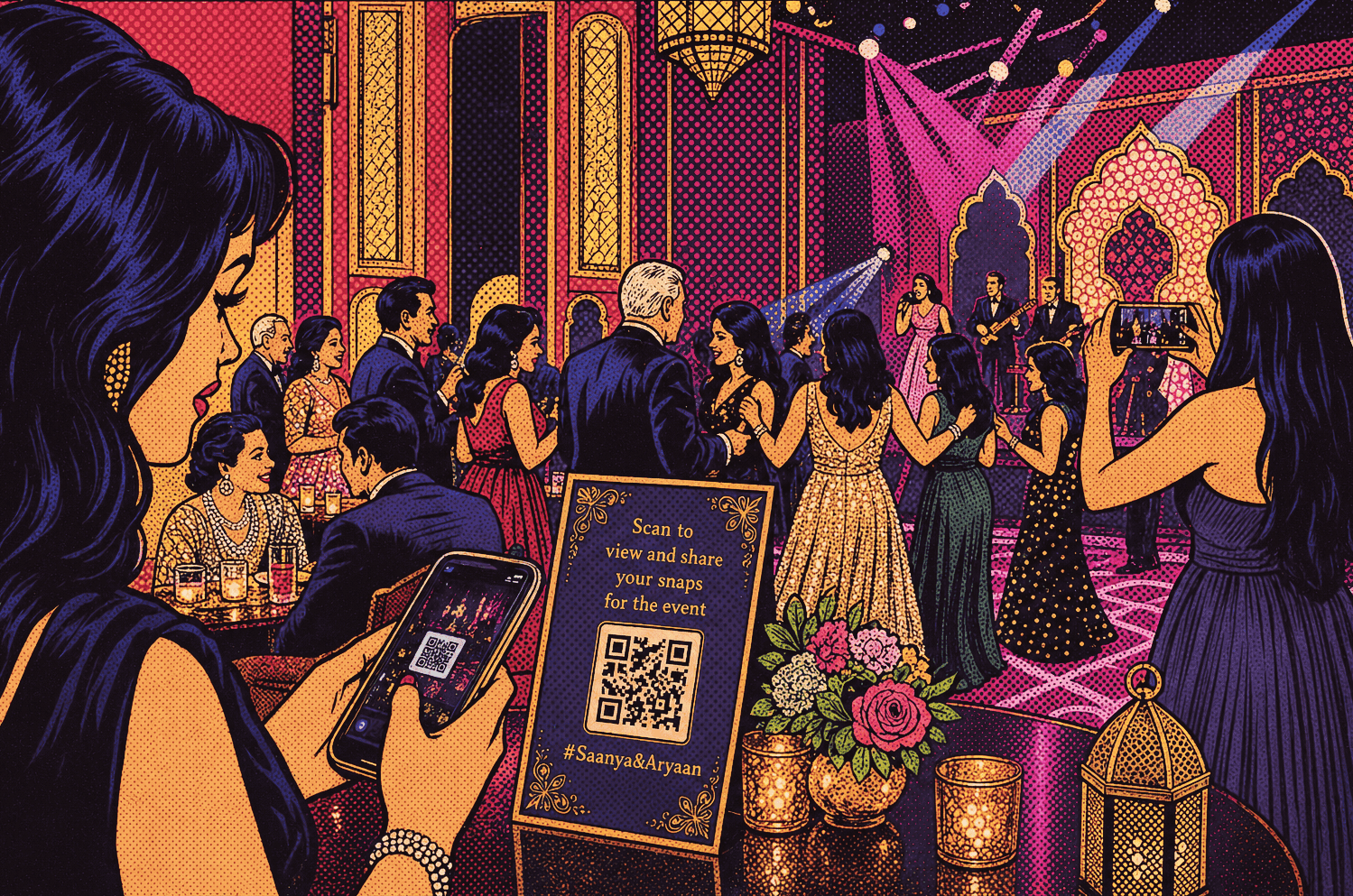
Every guest moment,in one Snaps gallery
Share a link, gather authentic memories, and keep multi-day celebrations organised — with optional passwords, email verification, and a gallery experience your guests will actually use on their phones.
Snaps - Optimized for mobile, No apps needed
Fast gallery browsing, full-resolution uploads without chat-app compression, and contributor profiles — all tuned for small screens.

Why couples choose Snaps
A dedicated guest experience alongside your wedding invite — designed for real crowds, real devices, and the beautiful chaos of celebration day.
Share links for each celebration
Create dedicated Snaps links you can send to family and friends. Each link can be scoped to different events so guests only see media for the celebrations that link is allowed to access.
Separate passwords for viewing and uploading
Optional passwords let you keep a gallery private while still controlling who can add photos or videos. View access and upload access can be locked independently.
Simple email sign-in for guests
Guests verify with a one-time code sent to their email before they upload or react. No long registration forms — just name, email, and they are in.
Guest uploads with captions
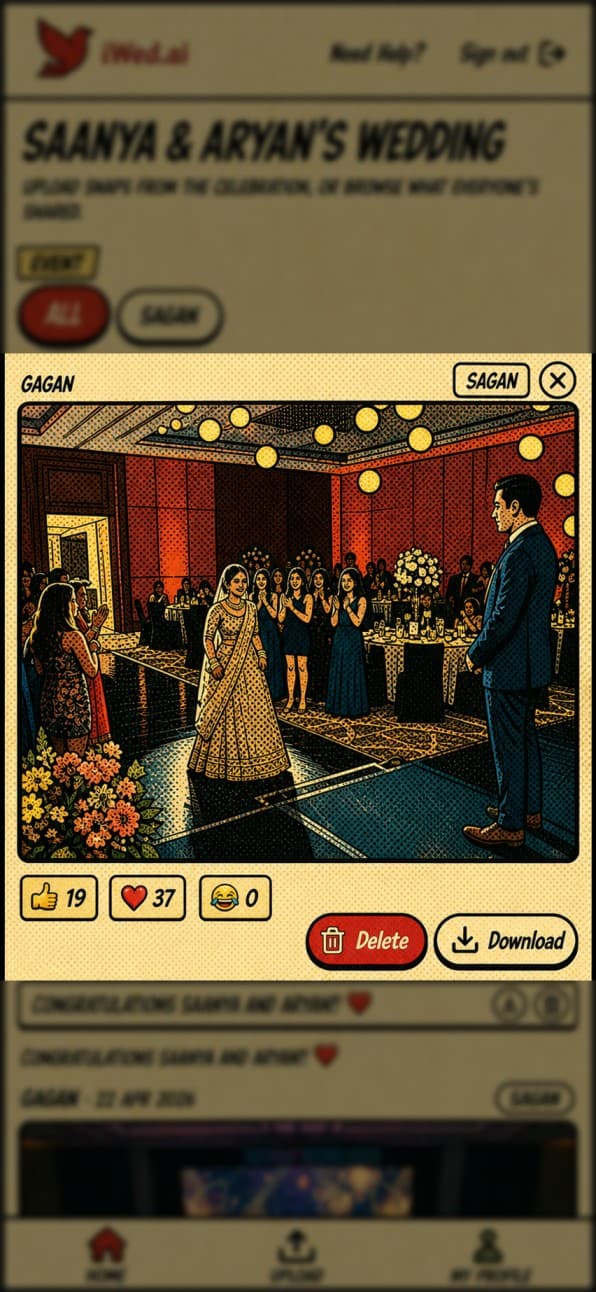
Contributors can upload images and videos, add a short caption, and tag the moment to the right wedding event so your archive stays organised.
Filter by event
Browse everything in one place or narrow the gallery to a single event — from the mehndi and sangeet to the ceremony and reception.
Full resolution media uploads
Photos and videos are stored at full quality — no automatic compression like WhatsApp or iMessage, so DSLR exports and high-megapixel phone shots stay sharp in your archive.
Reactions on every memory
Let guests show love with quick reactions — hearts, likes, and laughter — so favourites surface naturally in the social energy of your gallery.
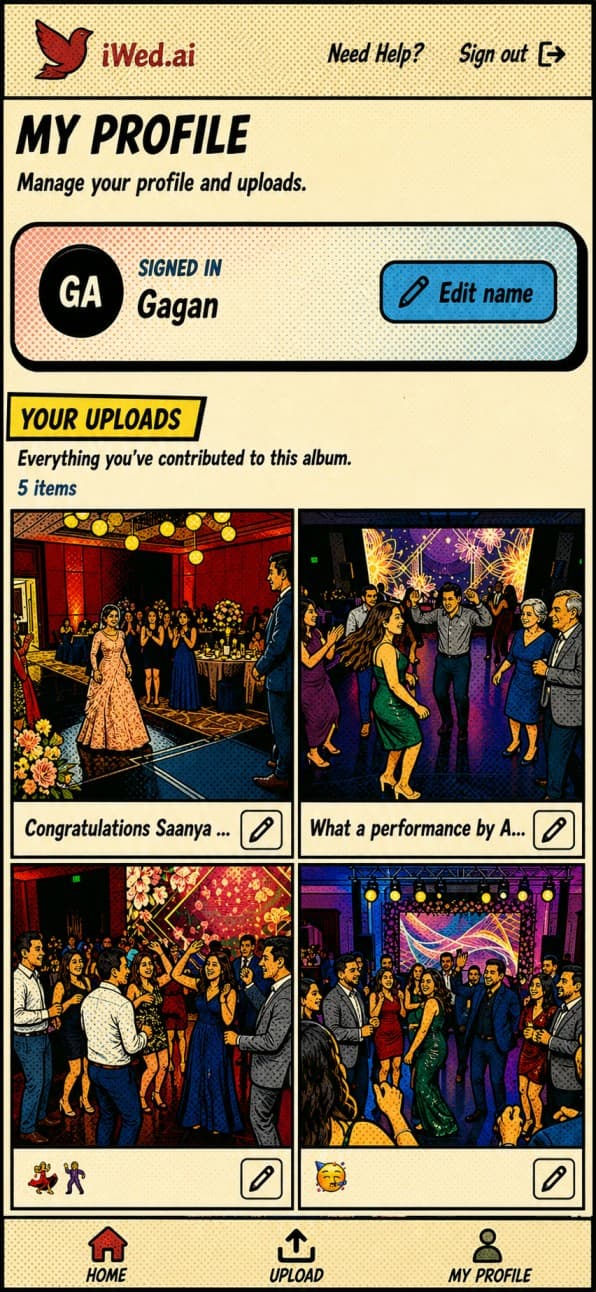
Contributor profiles
Each guest picks a display name they can update later, so you always know who shared a photo while keeping the experience personal and friendly.
Built for phones first
The guest experience is tuned for mobile: fast loading, thumb-friendly navigation, and a layout that shines when people are capturing moments on the dance floor.
Common questions
Quick answers about Snaps and how your guests experience it
Ready to collectevery candid and clip?
Create your wedding on iWed.ai, open Snaps in your dashboard, and send your first Snaps link whenever you are ready.